A Brief Beta
Opening up Beta 4.

At this point, the MarkupEditor app is ready for people to - as we used to say - use in anger. I have been using it for quite a while (well, in some form, for years). Every Markdown file in the repository was written using MarkupEditor, of course. And now I'm using it to author a blog post, which is kind of weirdly exciting. There are still some rough edges in the product, but I hope I've identified each of those in the issues tracker on GitHub. Please, give it a try and file any issues you find.
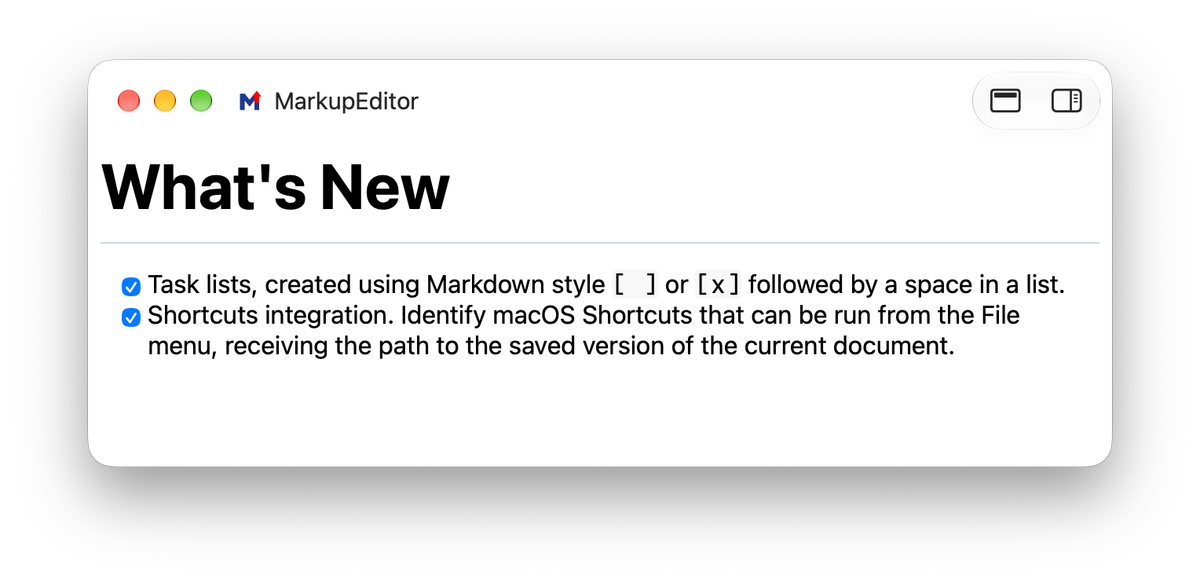
This version introduces integration of Shortcuts into the editor. I use a local Ghost instance to work on the web site (improvements there coming soon!). I have a set of scripts for things like posting to local Ghost and pushing to the hosted site. The scripts are written in JavaScript and run in node because they use the Ghost API. (Ghost is a node app.)
As of this release, I now just need to wrap those up as Shortcuts, identify them in the Tools tab of the side panel, and then I can invoke the Shortcuts directly from the File > Run Shortcut menu. The Shortcut receives the path to the saved document you have open and runs the script. I created a Blog Local and Blog Push Shortcut to invoke the two scripts I use for blogging.
Now a new blog post consists of:
- New from Template... > Ghost Blog Post. The template has a Metadata block at the top that works for Ghost. Follow the instructions in the template, and delete them when done.
- Write the blog post and save it to where I track them locally.
- File > Run Shortcut... > Blog Local to put the post on my local Ghost.
- Open localhost:2368 to check out what it looks like.
- If I'm happy with it, use File > Run Shortcut... > Blog Push to push it to the hosted site.
I prefer to leave the actual publish step to be done from the site itself. This way I can write this blog post, publish the MarkupEditor beta release itself, and then publish the blog post about it.
It's pretty sweet.
Next up, as a way to get more mileage under the Shortcuts-based automation and integration, I plan to follow Amy Worrall's terrific writeup about Building Mac app Help Books and write one for MarkupEditor. This will allow me to use MarkupEditor to create MarkupEditor Help and automate the update/assembly process. I plan to put the Help book in the repo along with the scripts used for the Shortcuts. I hope that some of the "information" indicators in the app can then also open Help at the right place and provide a better experience than you can currently get from a popover.